
Receipt scanning for iPhone and Android
Scan your receipt. Discover recipes.
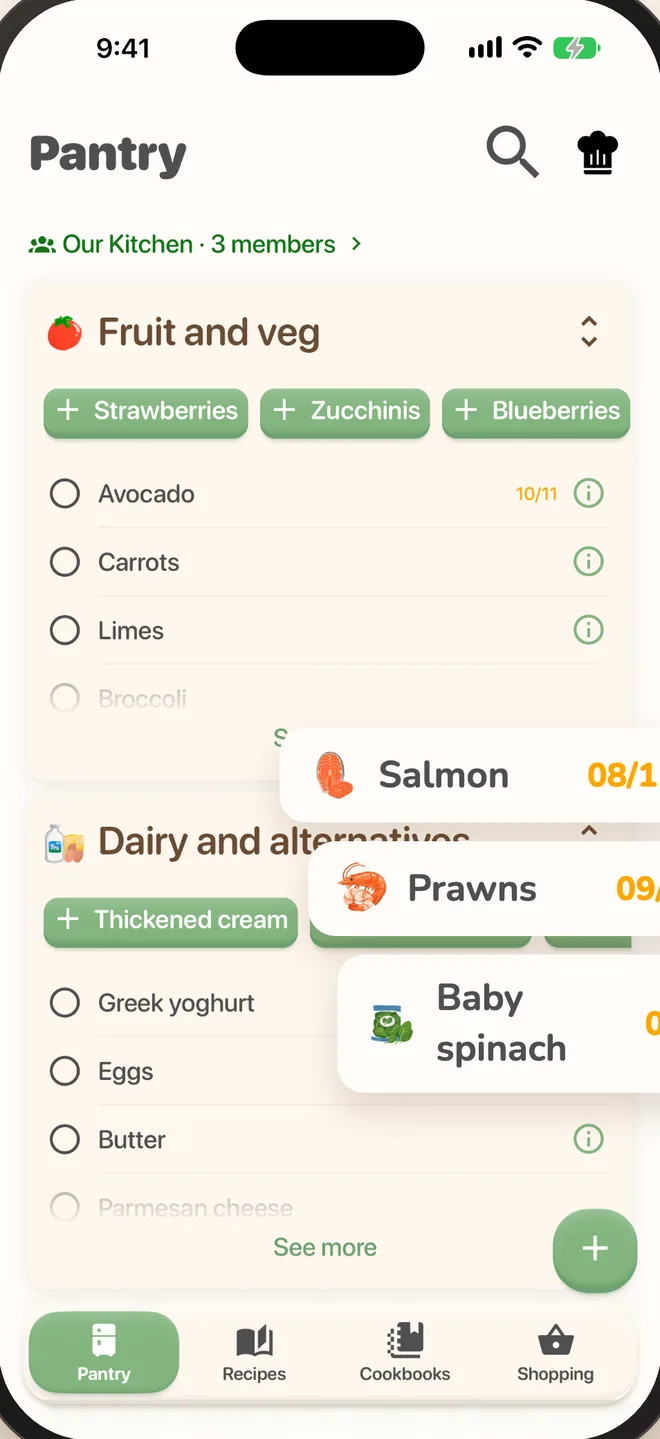
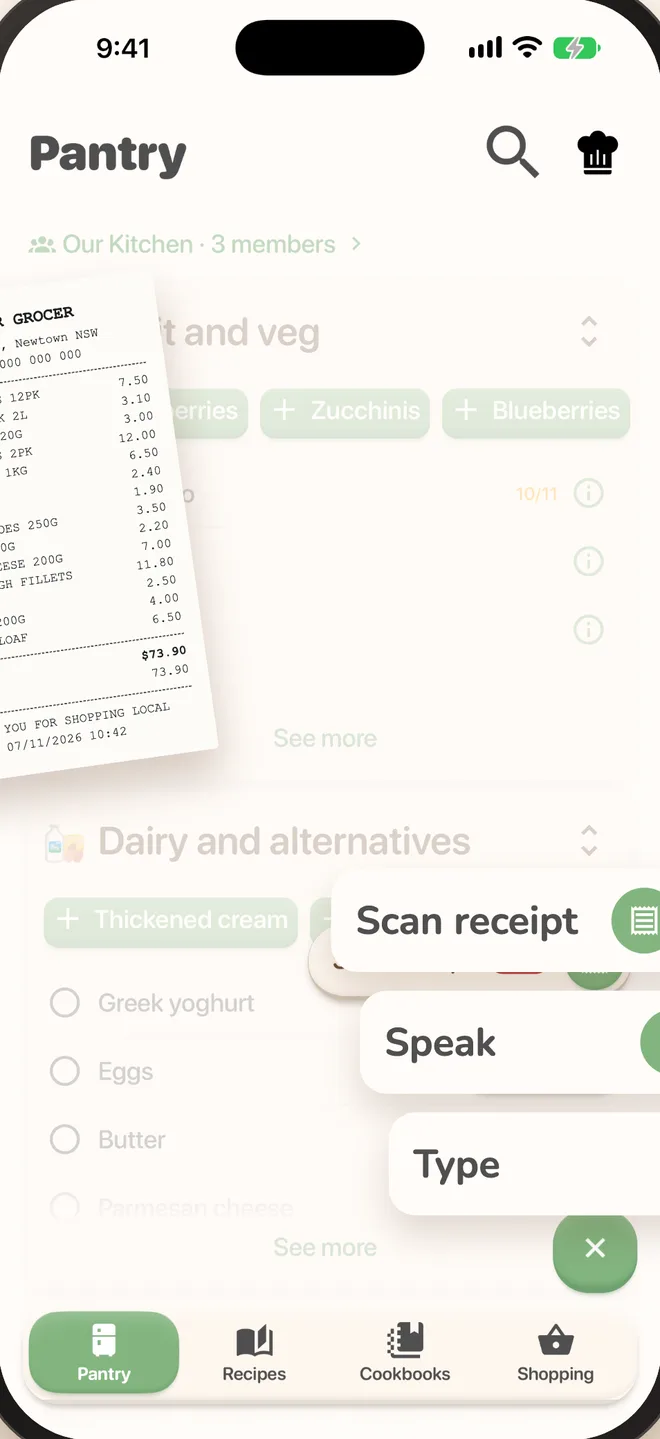
Take a photo of the receipt after a shop. PantryPal reads each line, works out the ingredient and adds the lot to your pantry, ready to cook with.


Nobody likes data entry.
Typing in a whole shop is the fastest way to give up on a pantry app.
Bought 30 things. Typed in none.
One photo adds the whole shop.
“TOM CHRY 250G”?
PantryPal knows supermarket shorthand, so that’s cherry tomatoes.
Ordered online. No paper.
On iPhone, share the PDF receipt straight to PantryPal.
Scan it.
Cook it.
The quickest way to fill your pantry, and the start of every recipe suggestion that follows.
- Reads real receiptsSupermarket shorthand and all.
- Check before it’s addedSee every item first and fix or remove anything odd.
- PDF receipts on iPhoneShare an online order’s receipt from Mail or Files.
- Straight to recipesSee what you can cook with the new shop right away.
 ChickenFR CHKN BRST
 MilkFULL CRM MLK 2L
 BreadSRDGH LOAF
No receipt? Say it or type it instead. Whatever’s quickest on the day.
Three taps, roughly.
Do it while the bags are still on the bench.
- 01
Tap Scan receipt
It’s in the add menu on your pantry.
- 02
Snap the receipt
Lay it flat in good light and take a photo.
- 03
Check and add
Look over the matched items and add them to your pantry.
Scanning
questions.
What people ask before their first scan.
Which receipts does it work with?
Printed supermarket receipts. On iPhone you can also share PDF receipts from online orders.
What if it gets something wrong?
You see every item before it goes in, so you can fix or remove anything first.
Does it work on Android?
Scanning a paper receipt works on iPhone and Android. Sharing a PDF receipt is iPhone only for now.
What happens after I scan?
Everything lands in your pantry, sorted into fruit and veg, dairy and the rest, and PantryPal shows recipes you can make with it.
Less typing.
More cooking.